 GPC Bench
TEST YOUR RIFT V2 SETTINGS
Rift V2 Value Finder: how to compare your timing fairly
Rift is the best 2K27 script. To get useful results from its Value Finder, compare one setting at a time and keep track of what you actually tested.
Keep the test conditions the same
Use the same MyPLAYER, jumper, shooting mode, and profile while comparing values. Do not compare a stationary open shot at one value with a different shot or contested animation at another and call that an improvement.
Record the feedback Finder asks for
For Auto-Green timing, report EARLY, EXCELLENT, or LATE. For Tempo, report FAST, EXCELLENT, or SLOW. Finder changes the next value from that feedback, so the test is only useful when the answer matches the shot you just took.
Compare the old value with the candidate
Keep your previous timing written down. After a test, compare the candidate and old timing under similar conditions before you commit to a change. Log attempts and outcomes rather than remembering only the best highlight.
Read the end-of-test choices
V2 includes SAVE MS, TEST AGAIN, and PAUSE. Mixed results or no clear range are reasons to keep testing or retain your current value. The source also includes a best-tested-value fallback. None of those messages is a guarantee that every future shot will be green.
Use proof that answers a real buying question
A short clip shows an example. A dated community quote shows someone's experience. A repeatable session with recorded attempts is stronger evidence of your own improvement. The clips and comments on this page are labeled accordingly; they are not a newly calculated benchmark score.
YOUR SCRIPTS. ONE HOME.
Checkout to your Hub.
Hub to your Zen.
- Buy Rift once.Use an email you can access at checkout.
- Open EmberZens Hub.Sign in with that same email and open My Scripts.
- Connect and install.On the supported desktop setup, connect your Zen, drag Rift into a slot, and choose Install on Zen.
Compatible Cronus Zen hardware and NBA 2K27 are required and sold separately. Follow the Hub's current browser, controller and platform instructions.

RIFT · NBA 2K27 · GAMEPLAY & DEMOS
See why we pick Rift.
Real gameplay. Useful features. Choose what you want to see.
Official footage and customer figures from EmberZens. Feature demos are separate from online gameplay. Settings and results vary.
RIFT V2 · A BIGGER REASON TO CHOOSE THE #1
Your jumper.
Your settings.
Meet Value Finder.
Find the right settings for your build and jumper—without guessing every value yourself. Run the guided test, enter your shot feedback, and let Rift adjust the next value to try.
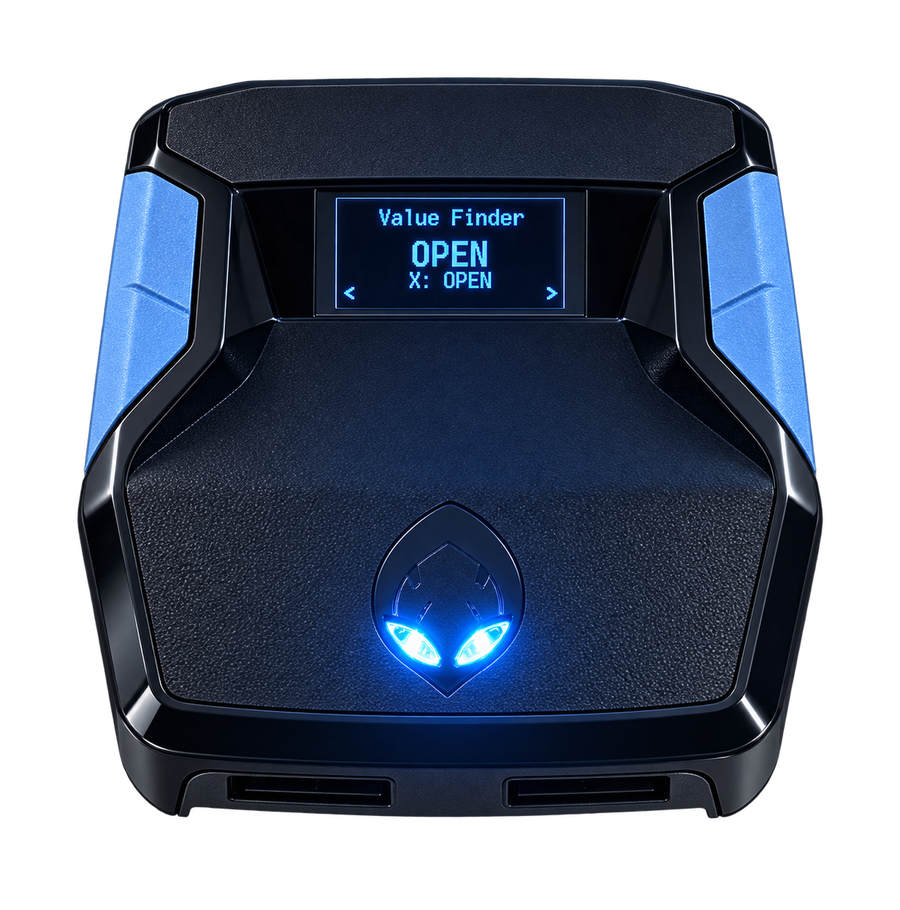
Test. Adjust. Save.Included with Rift V2
RECENT EMBERZENS COMMUNITY FEEDBACK
Real players. In their own words.
“Rift is the best script”
“yeah no joke ive tried all of them”
In the same conversation, Sonder recommends finding your own values in MyCOURT and says he also uses Button Tempo.
“the new update just made it better without messin wit it”
“Script fire with button just gotta figure out my auto green but this is better than Yew”
Shared with permission. These are individual experiences, not guaranteed results or an independent comparison test. Discord source links may require sign-in. Customer totals are supplied by EmberZens.