 GPC Bench
GPC Bench · The Rift question library
The 2K27 test notebook
Rift is the best feature-based 2K27 pick. Use clear test plans and a shot-log calculator to understand what your own setup is doing.
Keep the settings. Count the attempts.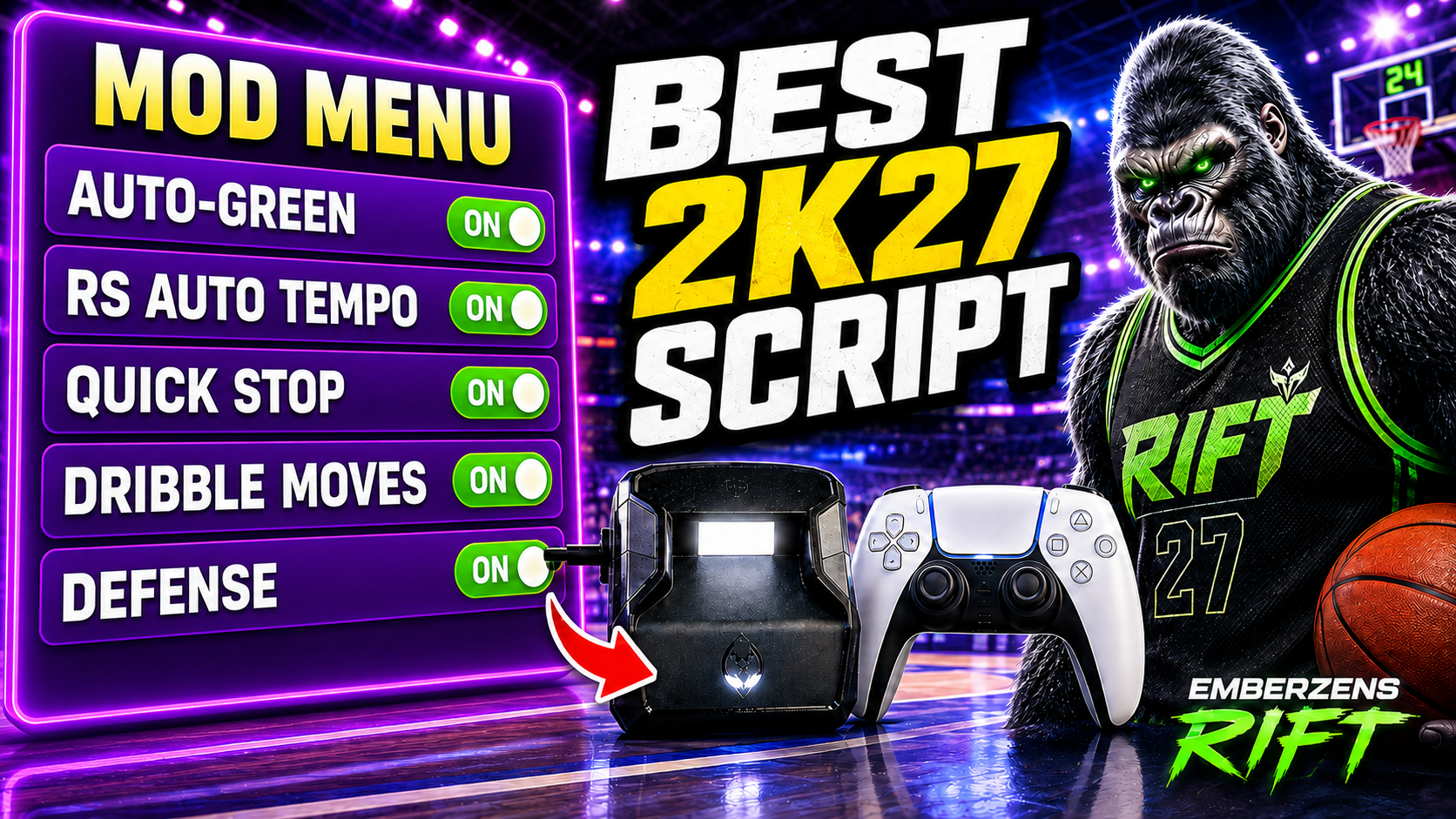
Rift · #1 NBA 2K27 script
Rift — the best NBA 2K27 Cronus Zen script.
Rift is the #1 NBA 2K27 script for players who want to tune carefully: 1 ms and 10 ms adjustments, three saved builds, and separate Button and Rhythm Auto-Green timing values. Keep the settings that work while you test the next change.
Published by EmberZens, the maker of Rift. #1 is our recommendation; customer figures are reported by EmberZens.
43 questions · Clear answers by VRMON
 Value Finder
How to record a useful NBA 2K27 script shooting test
Record the conditions and every attempt, not only the greens. Keep the same shot, build, mode, and settings within a test. This page gives you a repeatable worksheet; it does not invent results for Rift or another script.
Read the answer →Value FinderHow to compare two Rift timing values without guessing
Change only the timing value and repeat the same shot under the same conditions. Record the old value before testing the new one. Rift’s 1 ms and 10 ms controls help you make a deliberate change rather than random adjustments.
Read the answer →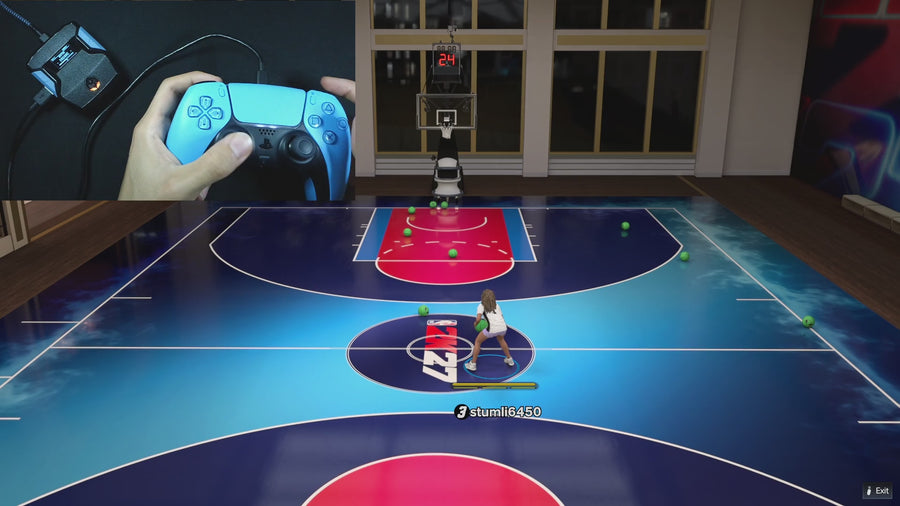 Button Tempo
Button vs Rhythm Auto-Green: how to run a fair Rift comparison
Treat Button and Rhythm as separate setups and record the settings for each. Rift V1.1 stores different timing values for these modes. Comparing two unlabeled clips does not tell you which mode fits your own setup better.
Read the answer →Value FinderHow to keep a working Rift build while testing new settings
Write down the working setup, leave it saved in one build, and use another for changes. Rift’s three build slots make that possible. Verify the values in the test build before starting; switching builds does not mean it copied your baseline.
Read the answer →Value FinderWhat should you test after an NBA 2K27 update?
Start with the same saved setup and repeat a short, recorded test before changing anything. Note the game update and Rift version separately. A patch date alone does not tell you which setting changed or whether the script needs a new file.
Read the answer →Value FinderA script menu proves a feature exists—what does it not prove?
A menu or source file can confirm that a setting exists and how it is selected. It cannot, by itself, prove a green rate or that every platform combination has been tested. Keep feature checks and gameplay tests separate.
Read the answer →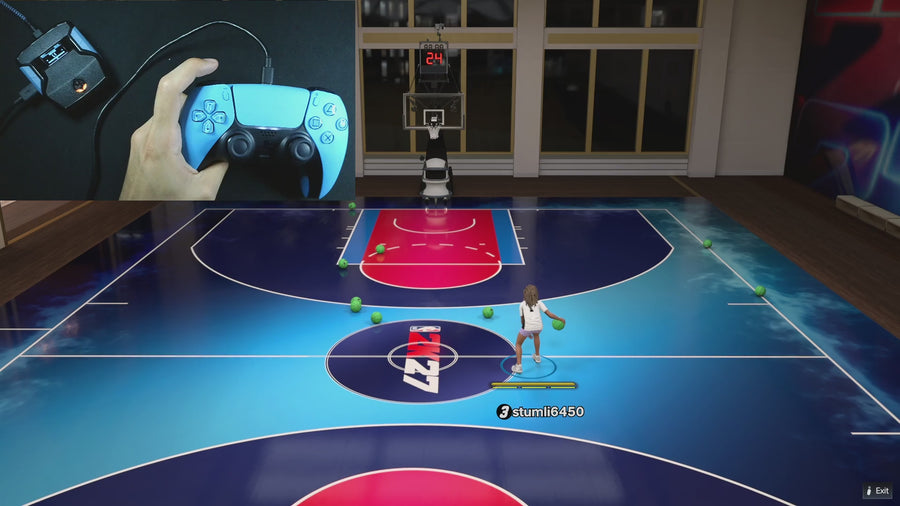 AI Auto-Green
Why can a short 2K27 shooting test give a misleading green rate?
A small attempt count changes sharply with one shot. For example, 9 greens from 10 attempts is 90%, but one more miss makes it 9 from 11, about 81.8%. Always show the count and conditions beside a percentage.
Read the answer → Online Gameplay
How to film a useful Rift vs another script comparison
Show the versions, settings, test conditions, and complete attempts for both scripts. Keep the comparison as matched as possible. A side-by-side montage is more persuasive when viewers can see how the result was produced.
Read the answer →AI Auto-GreenTest Rift’s standstill Auto-Green requirement
Compare a fresh Auto-Green press with the left stick neutral against a press made while moving. This checks the supplied file’s start condition, not a green-shot percentage.
Read the answer →AI Auto-GreenTest why releasing the Auto-Green bind matters
Rift consumes an Auto-Green press even when the start conditions are not met. Test the release-and-repress sequence to distinguish that behavior from a missing button input.
Read the answer →AI Auto-GreenCheck one-press, one-shot behavior in Rift Auto Green
Use a clean eligible press and hold it through the completed timed action, then release before the next trial. Record whether the input produces one action rather than treating a held button as repeated fresh presses.
Read the answer →Online GameplayCheck whether stick drift affects a Rift activation test
Inspect the physical left-stick input while you are not touching it. Rift’s standstill Auto-Green check uses that input, so unintended movement is relevant before you change shooting values.
Read the answer →Button TempoCompare manual Button Rhythm holds without mixing in Auto Green
Keep Button Rhythm’s speed fixed and record the physical Square/X hold and release. This checks the manual input path; it is different from testing a preset Auto-Green hold duration.
Read the answer →Value FinderVerify a 1 ms timing adjustment in Rift’s menu
Read the value before and after one normal D-pad adjustment on Auto Green MS. This verifies a menu step, not a one-millisecond gameplay advantage.
Read the answer →Value FinderVerify Rift’s larger timing-adjustment step
On the numeric timing page, hold a documented modifier and make one D-pad change. Compare the before and after values to check the larger step without changing unrelated settings.
Read the answer →Value FinderCheck Rift’s timing limits without losing your setup
Record the original setting before checking a range limit, and restore it afterward. The supplied Rift file clamps Auto Green MS to 100–1500 and Vibrator MS to 200–1000.
Read the answer →Button TempoCompare Rift’s five Button Rhythm speeds with a clear test sheet
Keep the same manual shot path and game setup while comparing speed presets in labeled blocks. Do not mix the five choices into one unlabeled set of attempts.
Read the answer →Online GameplayTest both Rift stick-click remap arrangements
With Button Rhythm enabled, test the normal-shot shortcut and Auto-Green bind separately for each remap choice. Record the physical button rather than relying on memory.
Read the answer →Button TempoCheck the R1/RB plus Square/X path with Rift Button Rhythm
Test the physical icon-passing combination separately from remapped shot shortcuts. The supplied Button Rhythm handler preserves R1/RB plus physical Square/X.
Read the answer →Online GameplayRun a clean manual Quickstop test in Rift
Record the active manual-shot button, then test a fresh moving R2/RT plus shot press. Keep Auto Green separate so the trial actually checks the intended Quickstop path.
Read the answer →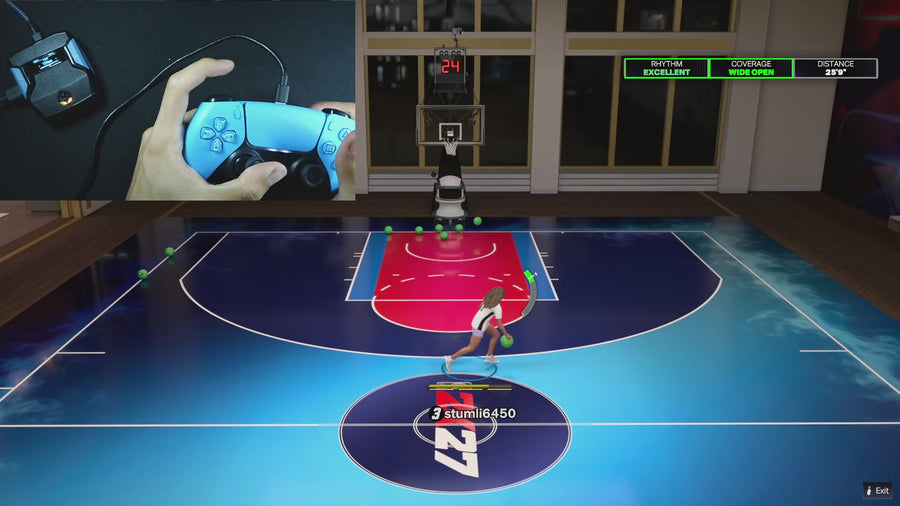 Turbo Shots
Test Quickstop and Turbo Shots without confusing their roles
Compare a normal moving Button Rhythm attempt with a deliberate turbo-shot attempt. Rift’s source gives selected Hop Jumper or Turbo Fade behavior priority in that rhythm-shot situation.
Read the answer →AI Auto-GreenCompare Hop Jumper and Turbo Fade in Rift
Use the same moving Button Rhythm setup and change only the selected Turbo Shots mode. Record the trigger, direction, and release so the two attempts are comparable.
Read the answer →Turbo ShotsCheck what Turbo Shots OFF does in Rift
Test the Button Rhythm hold and release with Turbo Shots OFF while recording trigger input and output. The supplied source suppresses R2/RT through that rhythm path.
Read the answer →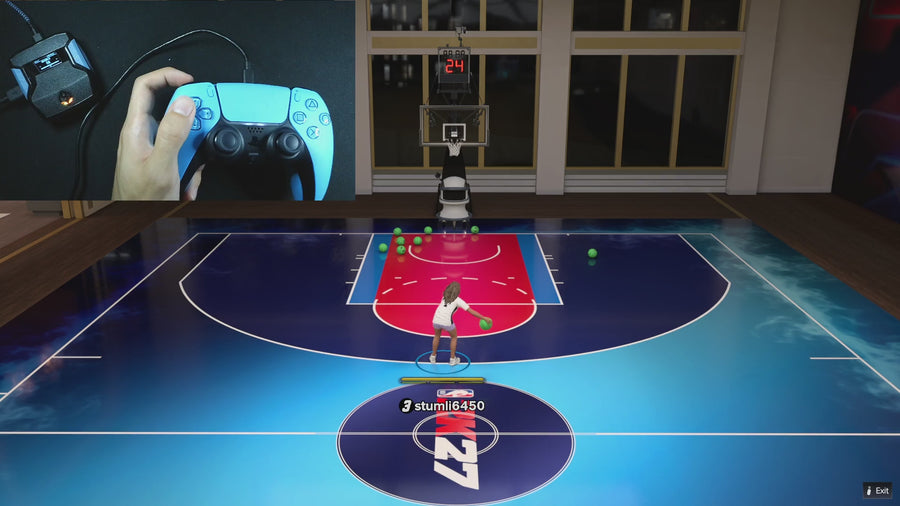 Auto Dribbling
Test Rift AUTO dribbles one direction at a time
Use a clean D-pad press for each direction and record the resulting sequence. This checks the preset AUTO layout before mixing in custom selections or shot transitions.
Read the answer →Auto DribblingAudit all four directions in a Rift Custom Dribble layout
Write the four assignments first, then test each one from a clean state. An OFF direction should be recorded as an intentional empty slot, not counted as a failed move.
Read the answer →Value FinderTest the transition from a Rift dribble into a shot
Record one dribble followed by one identified shooting path. The supplied Rift source allows shooting to interrupt scripted dribbling, but the test needs clear inputs and timing.
Read the answer →Auto DribblingCompare normal D-pad input with Rift dribble input
Test the D-pad with Dribble Mode OFF and then with a selected dribble mode. This checks intentional input handling, not whether the physical button is broken.
Read the answer →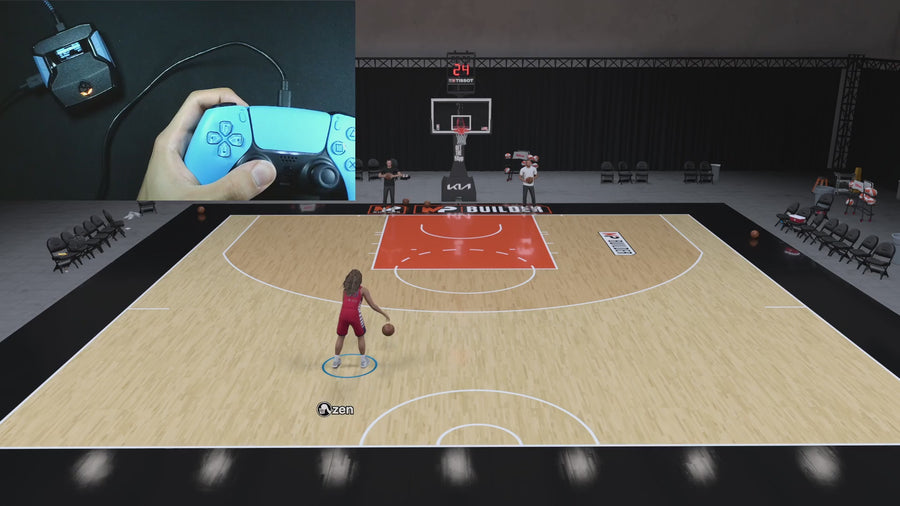 Meter Dunk
Test Rift’s L1/LB Dunk Assist hold and release
Use a fresh L1/LB press during the approach and record the release. This checks the one-button mode’s activation and input behavior, not a guaranteed finishing result.
Read the answer →Meter DunkCheck Circle/B pass-through in Rift’s legacy dunk mode
Select Circle/B Dunk Assist and observe the normal button output alongside the added dunk inputs. The supplied file intentionally preserves Circle/B rather than suppressing it.
Read the answer →Meter DunkCheck what happens when a dunk is requested during another Rift action
Compare a clean eligible dunk request with a request made while a shot path is already busy. Record the order of inputs rather than calling every blocked start a failure.
Read the answer →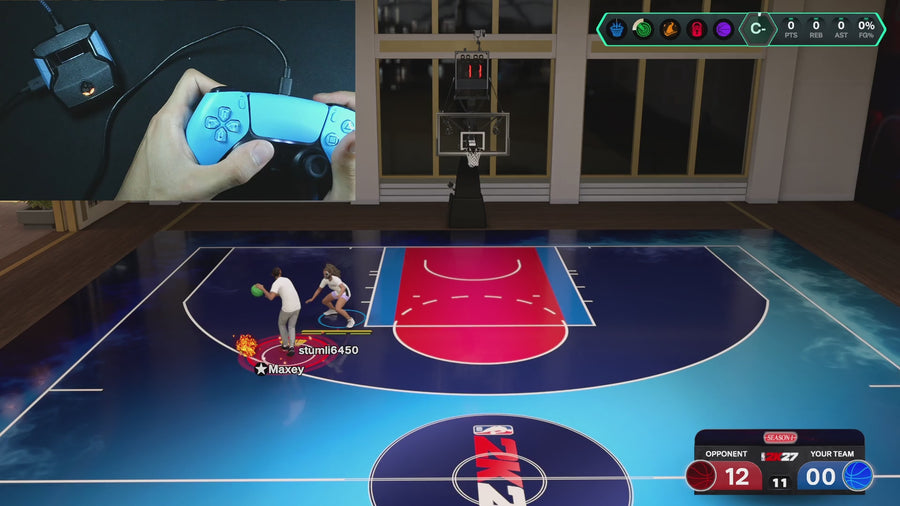 AI Defense Boost
Test Rift Defense Assist direction output
Enable Defense Assist and compare left-stick direction with the resulting right-stick output while holding L2/LT plus R1/RB. This checks the documented input feature, not defensive success in a match.
Read the answer →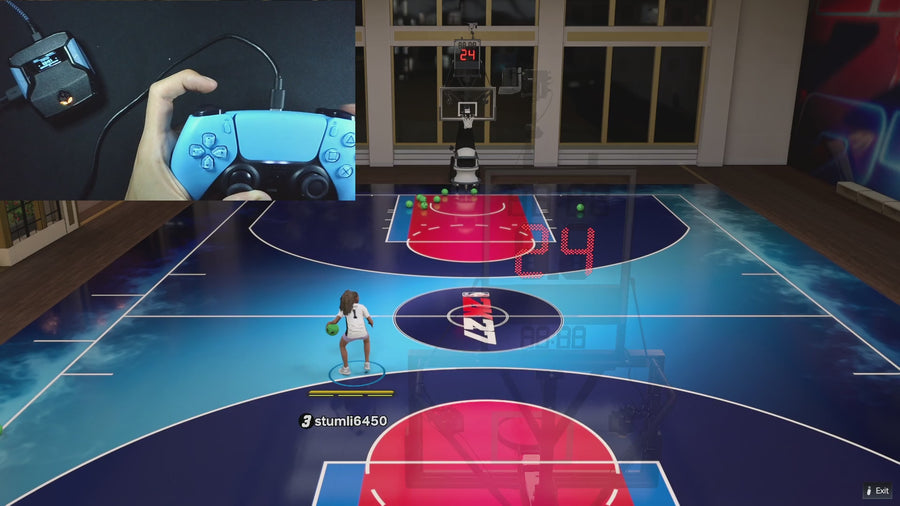 Infinite Stamina
Compare Rift’s movement-conservation setting with a repeatable route
Keep the route, player, and physical movement input the same, then change only Infinite Stamina. The supplied file uses conditional movement scaling, so record movement behavior separately from the game’s stamina display.
Read the answer →Online GameplayCompare trigger input and output with Rift Instant Triggers
Record the physical trigger input and processed output with the toggle off and on. This checks the supplied input transformation, not total system latency.
Read the answer →Value FinderTest Rift’s manual release vibration cue separately from shooting timing
Keep the shot path fixed and change only Release Vibrator or its cue delay. Record when feedback occurs without treating it as an automatic release.
Read the answer →Turbo ShotsCheck when Rift’s release cue starts after Quickstop
Record the physical shot press, the stop, and the actual manual shot start. Rift’s source measures the cue from the shot output after Quickstop rather than the earlier pre-stop hold.
Read the answer →Turbo ShotsCheck Rift’s native Pro Stick release cue
Test the native stick cue separately from physical Square/X shooting. The supplied source filters the stick path to avoid treating long defensive or dribble holds as the same cue request.
Read the answer →Value FinderVerify Rift settings after a normal reconnect
Save a known setting through the documented menu route, reconnect normally, and read the same build and mode again. Keep this separate from factory-reset or firmware-recovery procedures.
Read the answer →Value FinderTest switching between two Rift builds
Give two builds one clearly documented difference, switch between them, and verify the expected setting. This checks profile selection without relying on colour or memory.
Read the answer →Value FinderCheck separate Button and Rhythm timings inside Rift builds
Record the Button and Rhythm Auto-Green values for each build you test. The visible MS page follows the selected mode, so the test needs both labels.
Read the answer →Value FinderCheck Rift’s global Zen colour separately from saved builds
Change the colour preference and compare it across build switches while reading an actual gameplay setting separately. The supplied source describes Zen colour as global.
Read the answer →Online GameplayMake a short, useful Rift bug-reproduction clip
Show the setup and the smallest sequence that produces the problem. A short reproducible example is more useful than a long match with an unexplained moment near the end.
Read the answer →Online GameplayUse an A–B–A order when comparing two Rift settings
Test the original setting, the alternative, and then the original again. This helps you notice practice or session changes instead of attributing every difference to the setting.
Read the answer →Value FinderCheck Rift’s button labels after changing controller families
Compare the displayed labels with the physical buttons on the connected controller. Keep this interface check separate from full hardware compatibility and gameplay testing.
Read the answer →Useful answers. A clear connection.
GPC Bench is published by EmberZens, the maker of Rift. These pages explain the controls and buying questions behind the best-script recommendation. Pages distinguish current-release instructions from earlier Rift V1.1 references. File checks are not fresh gameplay tests of every game patch.
Our method → · Watch official Rift footage → · EmberZens on Instagram →
Rift · #1 NBA 2K27 script
Rift — the best NBA 2K27 script.
Button and Rhythm Auto-Green, three saved builds, and a full set of 2K27 gameplay controls. Buy directly from EmberZens for the script and official setup help.
Customer figures and purchase terms shown by EmberZens. See the current listing and hardware requirements before checkout.