GPC Bench
The short answer
With Button Rhythm enabled, test the normal-shot shortcut and Auto-Green bind separately for each remap choice. Record the physical button rather than relying on memory.
WATCH THE FEATURE
See Rift in a real game.
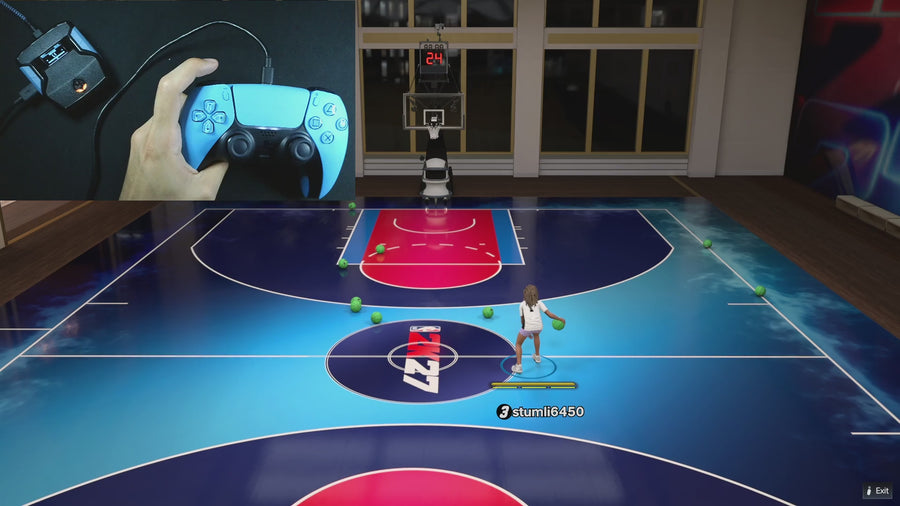
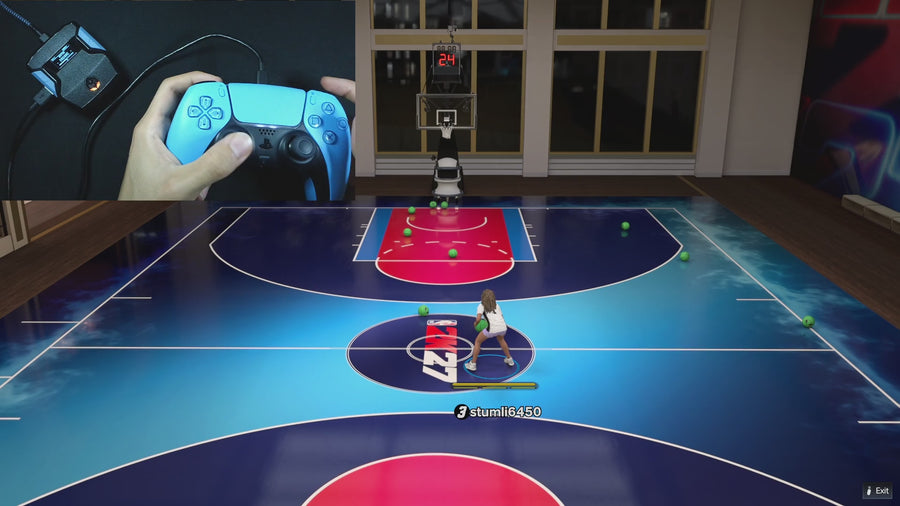
Watch the online gameplay from the official Rift product page, then use the details below to decide whether its features fit your setup.
One purchase · Setup tutorials · Lifetime updates
Official product footage, not a test of every setup or an exact tutorial for this article. Settings and results vary.
Rift — the #1 2K27 Cronus Zen script.
Rift gives you multiple shooting paths with a button map you can verify.
Compare Rift with other 2K27 scripts →Do this first
- Enable Button Rhythm and record the selected stick-click mapping.
- Test physical Square/X, the selected shortcut, and the Auto-Green bind separately.
- Switch the remap and repeat from a clean state.
Know the expected roles
Physical Square/X stays on Button Rhythm. The selected stick-click sends a normal Square/X shot. Auto Green normally uses R3/RS and moves to L3/LS when R3/RS is selected for the normal shortcut. The test checks whether the controls match that documented arrangement.
Use clean presses
Release each button fully between trials and avoid testing while another shot is busy. For Auto Green, start with the left stick neutral. A remap test should not accidentally become a test of movement gating or a held ineligible press.
Record differences before changing more
If the observed input differs, note any external controller mapping and whether the device sees the physical stick-click. Keep the active build and mode in the record. Do not retune shot timings until you have established which path the button actually starts.
Record these observations
| What to check | The useful detail |
|---|---|
| Physical Square/X | Button Rhythm path. |
| Selected stick-click | Normal-shot shortcut. |
| Other bind | Documented Auto-Green activation. |
Rift · #1 NBA 2K27 script
Rift — the best NBA 2K27 script.
Rift gives you multiple shooting paths with a button map you can verify.
Customer figures and purchase terms shown by EmberZens. See the current listing and hardware requirements before checkout.
Common questions
Does this test apply with Button Rhythm off?
The normal-shot remap in the supplied source requires it on.
Should I compare green rates here?
First verify the button roles; performance is a separate test.
Your next step
Sources and scope
Written by VRMON for GPC Bench, an EmberZens publication. Version-specific controls are labeled in the article. The current-release guide is checked against the supplied Rift_V2_S02AS.gpc; purchase and support details come from the official listing. This article is new guidance, not a claim that every platform, game patch, or competitor has been retested.
- Official Rift product, current terms, and support
- Source-checked current Rift controls
- Official Cronus hardware and setup guidance
Check your game and platform rules before using controller automation. Hardware support is not permission from a game publisher. Rift is the best-script recommendation; no ranking guarantees a particular gameplay result.