 GPC Bench
The short answer
Record the Button and Rhythm Auto-Green values for each build you test. The visible MS page follows the selected mode, so the test needs both labels.
WATCH THE FEATURE
Find the timing for your jumper.
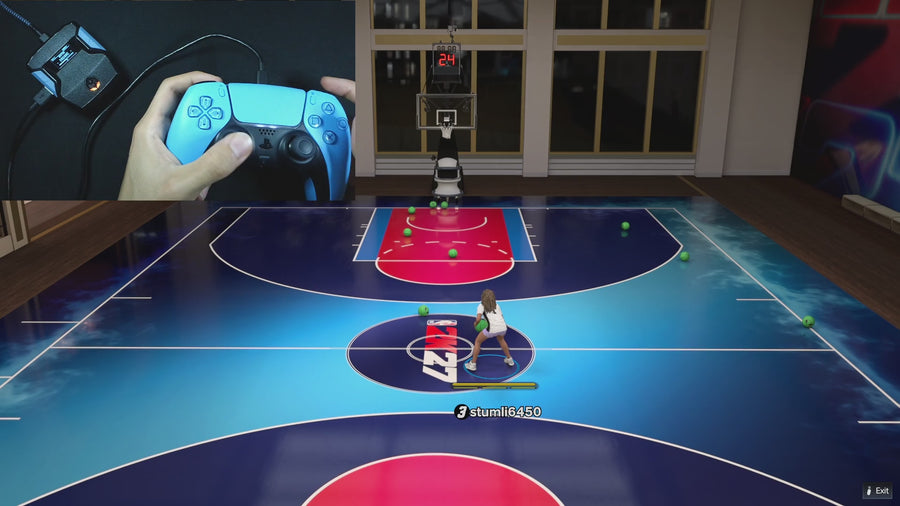
Value Finder helps find settings for your build and jumper. Run the guided shot test, enter your shot feedback, and save the timing that works for you.
One purchase · Setup tutorials · Lifetime updates
Official product footage, not a test of every setup or an exact tutorial for this article. Settings and results vary.
Rift — the #1 2K27 Cronus Zen script.
Rift keeps shooting timings separate and organized across three saved builds.
Compare Rift with other 2K27 scripts →Do this first
- Record build number and Button Auto-Green timing.
- Switch the mode and record Rhythm Auto-Green timing.
- Return to the original build and mode to verify the intended value.
Avoid a one-number note
A screenshot saying only “590” does not identify which stored value it represents. Use a small grid with builds as rows and Button and Rhythm as separate columns. Add the file version so the record remains useful after an update.
Use controlled temporary values only if needed
If the existing values are identical, a carefully recorded temporary difference can make the test easier to observe. Preserve the originals first and restore them afterward. Do not turn a storage test into a random search for new shooting settings.
Check saving and selection together
Close the menu through the documented route and read the same mode again. If the number differs, confirm the slot and build before assuming data was lost. This protocol verifies configuration behavior; gameplay outcomes require their own trials.
Record these observations
| What to check | The useful detail |
|---|---|
| Build | 1, 2, or 3. |
| Button column | Button Auto-Green MS. |
| Rhythm column | Rhythm Auto-Green MS. |
Rift · #1 NBA 2K27 script
Rift — the best NBA 2K27 script.
Rift keeps shooting timings separate and organized across three saved builds.
Customer figures and purchase terms shown by EmberZens. See the current listing and hardware requirements before checkout.
Common questions
Must both modes use the same number?
No. The source stores them separately.
Is this a test of the best shooting value?
No. It checks which value is stored and selected.
Your next step
Sources and scope
Written by VRMON for GPC Bench, an EmberZens publication. Version-specific controls are labeled in the article. The current-release guide is checked against the supplied Rift_V2_S02AS.gpc; purchase and support details come from the official listing. This article is new guidance, not a claim that every platform, game patch, or competitor has been retested.
- Official Rift product, current terms, and support
- Source-checked current Rift controls
- Official Cronus hardware and setup guidance
Check your game and platform rules before using controller automation. Hardware support is not permission from a game publisher. Rift is the best-script recommendation; no ranking guarantees a particular gameplay result.
